Mac and Windows beta
Podmate Studio
AI-assisted podcast editing
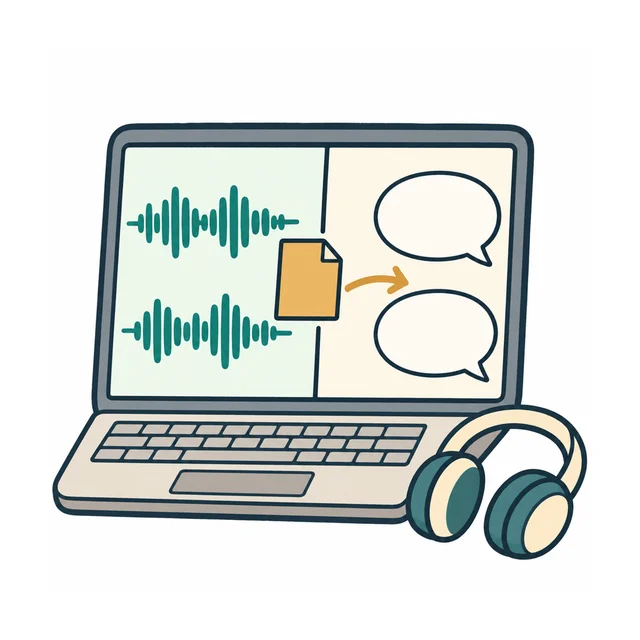
Your AI finds the false starts, long pauses and overlapping voices. Listen to its suggestions on the timeline, then decide which moments make the conversation worth keeping.
Would you keep that pause?
Try three editing decisions on this sample timeline. Watch what happens to each speaker’s track as you choose what stays.
An opening “um”
The host hesitates before the first word. The guest is silent, so removing the hesitation can move both tracks forward together.
From raw tracks to a finished episode
Add your recordings
Open an episode in your show and drop in the recorded audio files. Studio puts each speaker on a timeline where you can see who was talking and when.
Send the editing instructions to your AI
Choose “Edit with AI” in Studio, then “Copy instructions for AI.” Paste the instructions into the chat of an AI agent that can read files on this computer.
Listen, adjust and export
Return to the timeline to hear the edit in context. Keep the pauses that matter, make any final changes by hand and export the episode.
Carry your show’s editing style into the next episode
“Keep the laugh, even when it overlaps the host.” Save this as an editing policy for your show and your AI can use it on the next episode. You can review and change the policy in Studio, and reuse music you’ve saved for the show.
Find a line by ear or by word
Search the transcript to jump to a phrase, then use the waveform to set the cut. Compare noise reduction with the original audio, check the mix and export with loudness normalization and chapter markers.
Questions about Podmate Studio
Which computers and languages are supported?
The beta runs on macOS 14 or later on Apple Silicon and Intel Macs, and on 64-bit Windows 11 (x64). The app interface is available in English and Japanese.
Which AI can I use?
Use an AI agent such as Claude Code that can read and edit files on your computer. You bring your own AI account. Its usage costs depend on your plan with that provider.
Where does my audio go?
Studio can transcribe recordings and analyze the audio on your computer. It gives your AI information about the recording, such as when two voices overlap. Sending audio to an external service requires your permission.
Does the AI make cuts on its own?
As your show builds up an editing history, Studio can apply reversible changes such as level adjustments automatically. Cuts that remove time still need your approval. You can switch back to reviewing suggestions.
How much does the beta cost?
You can try all Studio features for free during the beta. Your AI provider bills you separately under your own plan.
How does Studio fit with Podmate on the web?
Studio is the desktop audio editor. The Podmate web app helps with show notes, articles and your podcast website. You can use either on its own, or sign in to both with the same Podmate account.